
Introduction: Figuring out what to do with old electronics is easy to postpone. A dead laptop goes into a drawer, an outdated phone stays in a cupboard, and a bulky monitor ends up in the garage. The problem is that electronic devices do not belong in general waste, and they should not sit around forever either. Responsible disposal protects the environment, reduces clutter, and helps recover useful materials that still have value. If you are sorting through household devices or clearing out office equipment, a practical plan for e-waste recycling makes the process much simpler.
- Do not throw electronics out with normal household rubbish.
- Back up and wipe personal data before donating or recycling devices.
- Working devices can often be reused, sold, or donated.
- Broken, obsolete, or unsafe items should go to a reputable recycler.
- Monitors, TVs, computers, and phones need special handling.
- Large office equipment may require collection rather than drop-off.
The problem with old electronics at home
The original concern still holds up: electronics become outdated fast, and that creates both clutter and waste. Homes and businesses often keep unused devices far longer than they should because disposal feels inconvenient or uncertain. Yet storing stacks of old tech is rarely harmless. Batteries can degrade, screens can crack, and forgotten devices may still contain personal or business data.
There is also a wider environmental issue. Many electronic products contain materials that should be handled carefully rather than dumped with mixed waste. At the same time, they also contain recoverable components such as metals, plastics, and glass. That is why electronic recycling is not just about getting rid of junk. It is about separating useful materials from harmful ones and making sure both are handled properly.
Why recycling old electronic devices matters
It reduces environmental harm
When electronics are disposed of incorrectly, hazardous substances can end up affecting soil and water. That risk alone is a strong reason to keep these items out of ordinary bins and informal dumping streams. Responsible recycling is designed to reduce that impact by processing devices through the right channels.
It supports resource recovery
Modern devices contain materials that took energy and raw resources to produce. Recycling helps recover part of that value instead of sending it to landfill. This is one reason ewaste recycling continues to matter for both households and industry. A device may be old to you, but some of its parts and materials can still be useful.
It helps you manage data risk
One of the biggest gaps in older disposal advice was data security. Computers, phones, tablets, copiers, and even some smart home devices may store sensitive information. Before you donate, sell, or recycle anything, treat data protection as part of the disposal process, not as an afterthought.
If you are mainly sorting through desktops or notebooks, South Group’s guide on where to dispose of old computers is a useful next read for device-specific planning. For broader home or business cleanup, their article on responsible e-waste disposal adds practical context on how disposal habits can improve over time.
Before you recycle: a quick safety checklist
Before any device leaves your hands, run through a simple checklist:
- Back up any files, photos, and documents you still need.
- Sign out of email, cloud storage, and app accounts.
- Remove SIM cards, memory cards, and external storage.
- Factory reset phones and tablets where possible.
- Wipe or securely erase computer drives before disposal.
- Separate accessories if they can be reused, such as chargers and cables.
The FTC advises consumers to remove personal information before donating or recycling electronics, while the US EPA recommends donation or recycling through appropriate electronics channels rather than general disposal. Those two steps alone – data protection and proper routing – make a major difference.
A practical decision table for old electronics
Not every device should be handled the same way. Use the table below as a quick guide when deciding whether to donate, sell, or recycle.
| Device condition | Best next step | Why it makes sense |
|---|---|---|
| Fully working and fairly current | Donate or sell | Extends product life and keeps usable electronics in circulation |
| Working but outdated | Donate if still practical, otherwise recycle | Some older devices still serve basic needs, but demand may be limited |
| Broken but complete | Recycle | Materials and some components may still be recoverable |
| Damaged screen, battery issue, or unsafe condition | Recycle promptly | Reduces storage risk and keeps hazardous parts out of general waste |
| Business equipment with stored data | Wipe data first, then recycle through a reputable provider | Protects confidential information and supports proper processing |
How to properly dispose of specific electronic devices
Computers
Desktop computers should be backed up and wiped before anything else. If a machine still works, donation may be an option. If not, recycling is usually the better route. Towers, motherboards, hard drives, and power supplies all contain materials that should be processed professionally rather than discarded with general waste.
Laptops
Laptops follow the same basic rule as desktops: save what you need, erase the device, then decide whether it has reuse value. A newer model in good condition might still be worth donating, passing on, or selling. A dead or badly damaged unit belongs in the electronics recycling stream instead.
Monitors
Monitor disposal deserves special care, especially for older units. CRT monitors are bulky and contain materials that require proper handling. Even flat screens should not be treated like ordinary rubbish. If you have several outdated monitors taking up space, moving them out through a recycler can immediately free up valuable room while preventing improper disposal.
TVs
Televisions are another common problem item because they are large, awkward, and easy to ignore once replaced. Whether it is an older CRT or a newer flat-screen, a TV should be assessed for reuse first and recycled if it no longer serves a purpose. In most cases, putting it out with normal waste is the wrong option.
Cell phones
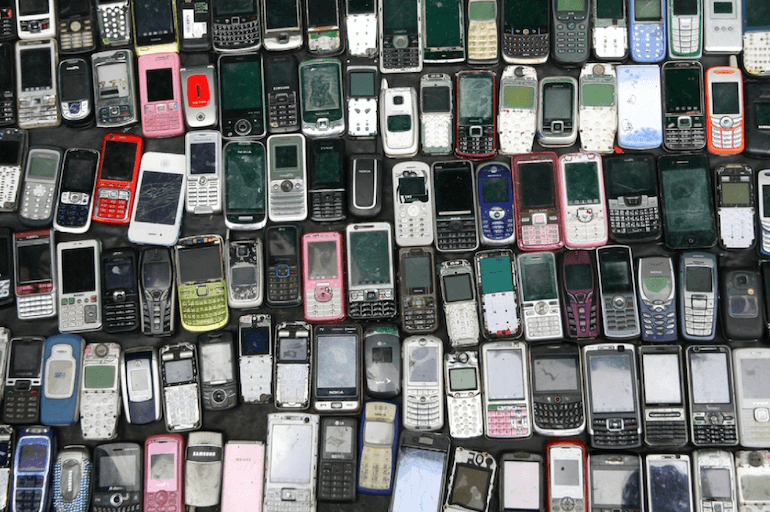
Phones are among the most frequently replaced devices in any home or workplace. Because they carry personal messages, contacts, banking apps, photos, and stored logins, data removal matters even more here. After backing up and resetting the device, you can look at trade-in, donation, or recycling options depending on condition.
Audio and video equipment
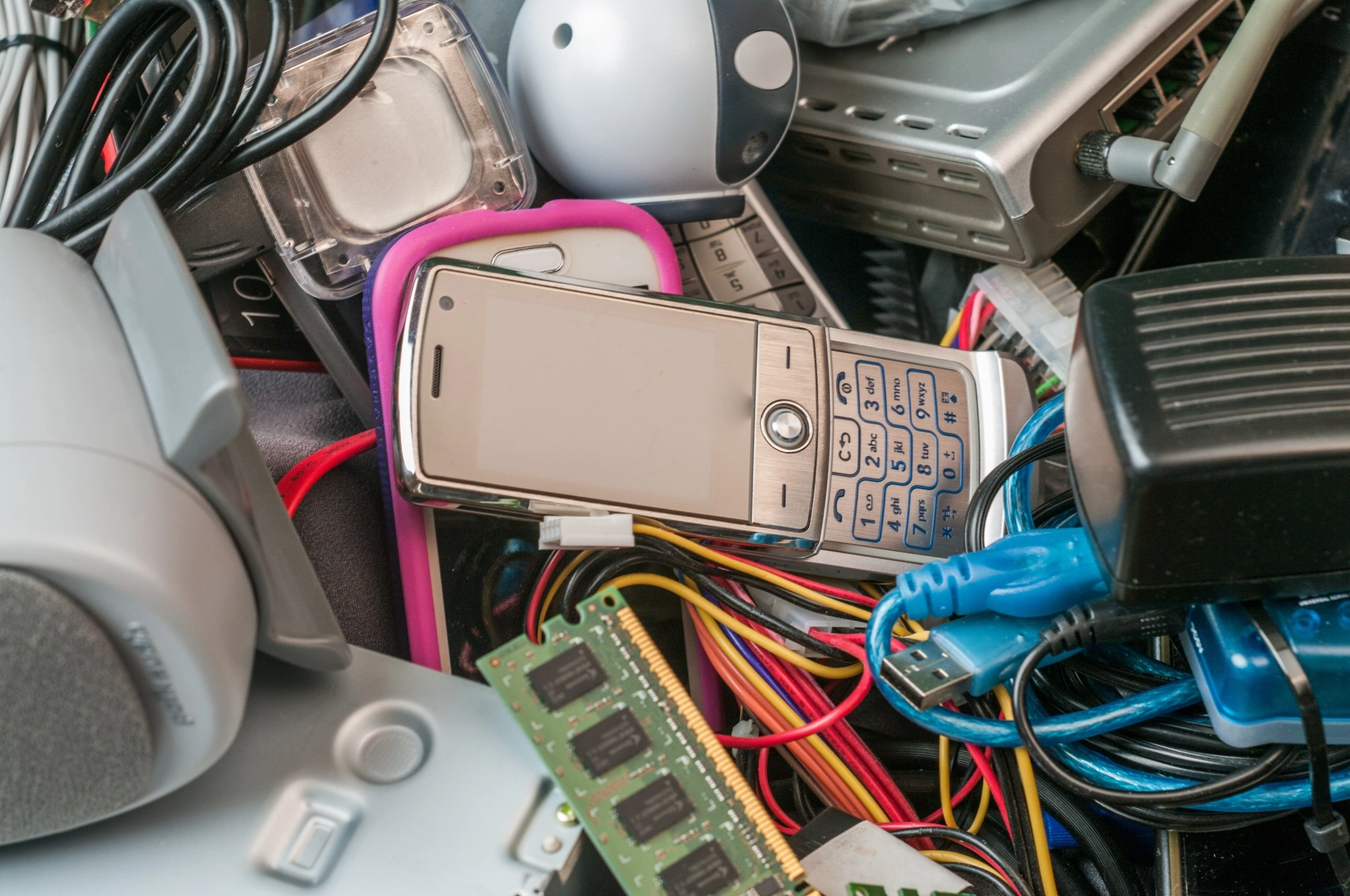
DVD players, speakers, receivers, gaming accessories, and older media equipment often sit unused for years. If an item still works, someone else may still use it. If it is broken, incomplete, or clearly obsolete, send it for recycling instead of storing it indefinitely.
Scanners and copiers
Larger office electronics can be difficult to transport, which is why disposal often gets delayed. That delay usually turns storerooms into e-waste holding areas. For bigger volumes or heavier items, collection can be more practical than self-delivery. The key point is to move them into the right recycling channel instead of leaving them parked in the workplace.
Choosing a reliable recycling partner in South Africa
The existing article rightly positioned South Group Recycling as a practical option for local disposal. That remains relevant. For individuals, schools, offices, and businesses in South Africa, working with an established recycler helps remove guesswork from the process. South Group Recycling offers E-waste recycling support as part of its broader recycling services and operates from four locations across South Africa.
That matters because convenience often determines whether people recycle at all. A recycler that can handle a range of devices, assist with larger loads, and support responsible processing makes it easier to act quickly instead of letting outdated equipment pile up. If you are clearing out a home office, upgrading workplace equipment, or replacing multiple devices at once, having a straightforward route for disposal can save both time and space.
Summary
Properly disposing of electronics starts with three simple decisions: protect your data, check whether the item can be reused, and recycle anything that should not stay in circulation. Computers, phones, monitors, TVs, and office equipment all need more care than general waste disposal allows. The good news is that the process does not have to be complicated. With a basic checklist and a reputable recycler, you can clear out unused tech responsibly while reducing risk and supporting resource recovery.