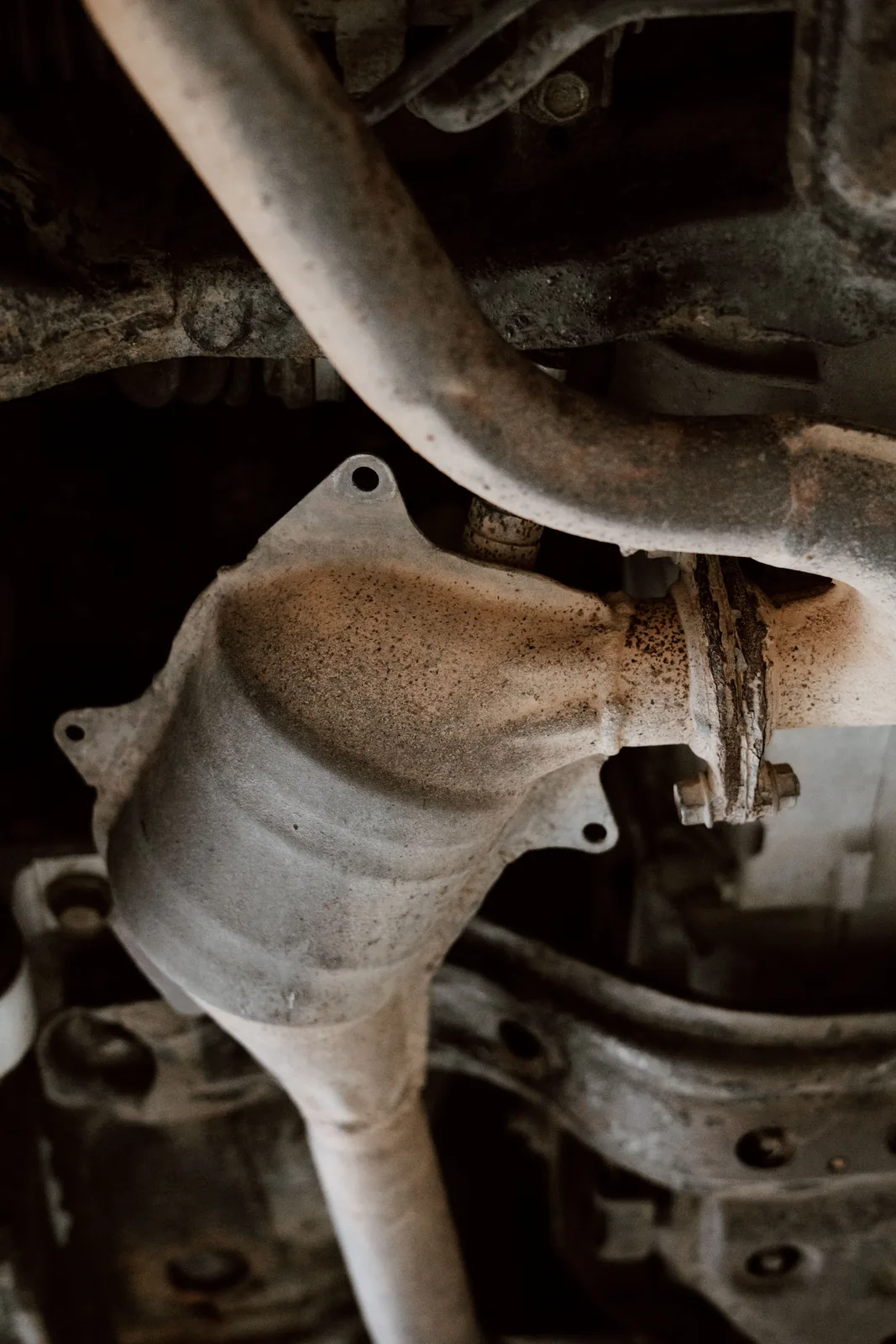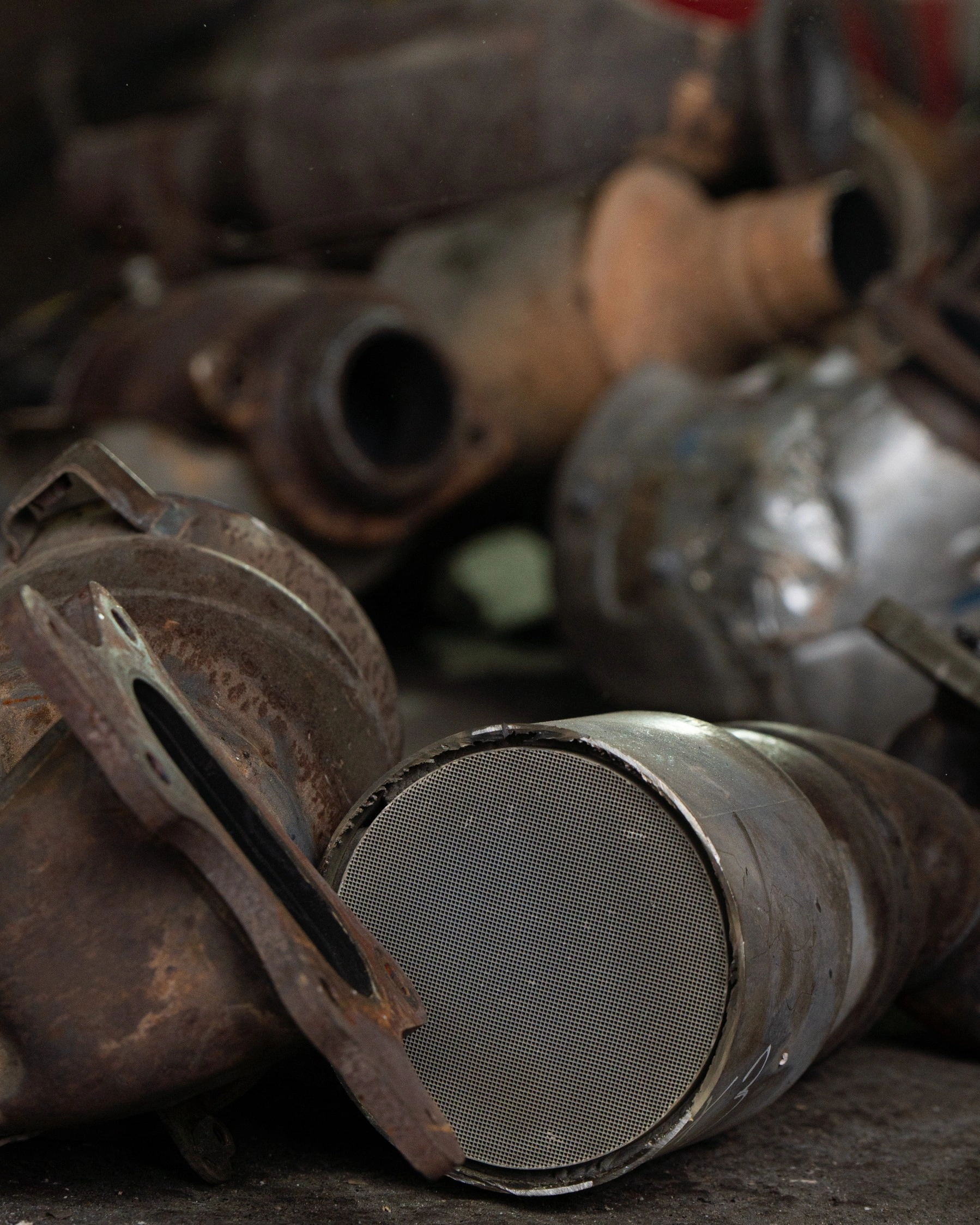
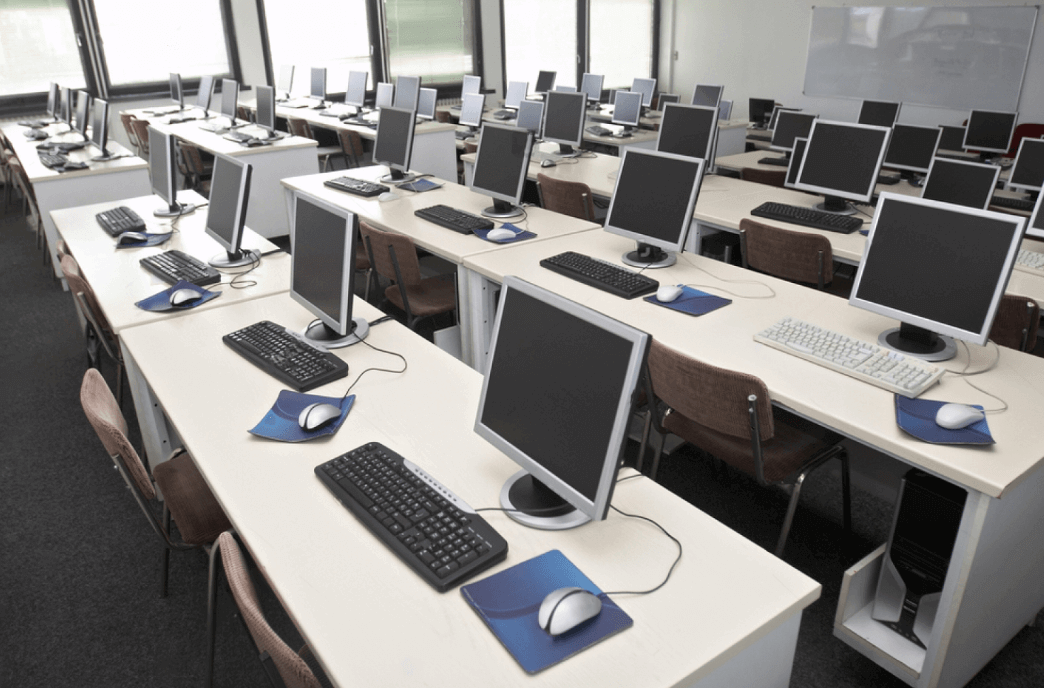

Introduction: If you are wondering where to dispose of old computers, the short answer is this: do not throw them in the general trash. The better route is to reuse working devices where possible, securely wipe stored data, and send obsolete equipment to a responsible recycler. In South Africa, that often means using a specialist that handles e-waste recycling for both households and organisations. South Group Recycling supports this need through facilities in Johannesburg, Cape Town, Durban, and Pretoria, making it easier to deal with outdated desktops, laptops, monitors, and related electronics in a way that is practical, secure, and better for the environment.
- Do not put computers in household bins or mixed general waste.
- Working devices may be donated or reused before recycling is considered.
- Back up your files and wipe data before disposal.
- Old computers contain recoverable materials such as copper, aluminium, and gold.
- Bulk collections are often the best option for schools, banks, offices, and universities.
- South Group Recycling accepts a wide range of electronics, not just computers.
Why and when should old computers be recycled?
The original guidance still holds up: computers have a limited useful life. Software becomes too demanding, hardware slows down, repair costs rise, and eventually the device stops being worth keeping. At that point, proper electronic recycling matters for three practical reasons – environmental protection, resource recovery, and data security.
First, old computers and peripherals can contain substances that should not end up in ordinary waste streams. The U.S. Environmental Protection Agency notes that donating and recycling electronics helps recover valuable materials and keeps potentially harmful components out of landfills. That is why responsible handling matters, even when the device seems small or harmless on the surface. You can review that guidance directly on the EPA electronics donation and recycling page.
Second, computers are full of useful raw materials. The current article already points to aluminium, copper, and even gold, and that remains one of the strongest reasons to recycle rather than dump. When these materials are recovered, manufacturers can rely less on virgin resources.
Third, there is the data issue. Old hard drives, SSDs, and even forgotten backup devices may still hold personal or business information. Recycling is not just about getting rid of clutter. It is also about controlling what happens to the information stored on the machine before it leaves your hands.
So when is the right time to recycle? Usually when one or more of the following is true:
- The computer no longer powers on reliably.
- Repairs cost more than the machine is worth.
- The device cannot support current software or security updates.
- Your home or business is upgrading equipment in bulk.
- You have already backed up your files and no longer need the machine.
EPA materials have also described end-of-life electronics as a growing waste challenge for years, which reinforces why planned disposal is better than last-minute dumping. The agency discussed this trend in an earlier EPA newsroom release on electronic waste.
Old Servers and Laptops Are a Data Risk Before They Are Recycled
When a business retires old computers, laptops or servers, the main risk is not only the hardware itself. It is the data still stored on hard drives, SSDs, user profiles, email archives, cached reports, synced folders and old backups. A device may look obsolete, broken or empty, but it can still contain sensitive customer, HR, finance or login information.
Deleting files or running a quick format is not enough for secure disposal. Old partitions, shadow copies and recoverable file fragments can remain on the storage media. Failed drives create an additional risk because the device may no longer boot, while the drive can still be readable with specialist tools.
Before sending old IT assets for e-waste recycling, businesses should list the assets, keep them in a controlled storage area and decide whether each storage device should be securely wiped or physically destroyed. For high-risk items such as finance laptops, HR machines and retired servers, proof of sanitisation or destruction should be kept with internal disposal records.
- Create a basic asset list before collection.
- Keep retired laptops and servers out of informal scrap channels.
- Request a collection note or handover record.
- Ask for proof of data wiping or physical destruction where needed.
- Keep recycling or destruction records for audit and compliance purposes.
South Group Recycling helps companies move retired IT equipment through a controlled recycling route, reducing data leakage risk while recovering useful materials from the old hardware. For larger IT clear-outs, book a collection before old devices start piling up in the storeroom.
Where can you dispose of old computers?
If the machine is no longer useful, the best place is a specialist recycler that handles computers and related devices responsibly. For people and organisations in South Africa, South Group Recycling provides a practical option through its facilities in Johannesburg, Cape Town, Durban, and Pretoria.
For individuals, this means you can bring outdated electronics to a South Group facility instead of letting them sit in a cupboard or sending them to landfill. For businesses and institutions, the answer may be even simpler: arrange a bulk collection when old IT stock starts piling up.
Not every computer should be recycled immediately, though. If the device still works and can be used safely, reuse may come first. A sensible disposal decision usually follows this order:
- Back up the files you want to keep.
- Wipe the device properly.
- Decide whether it is reusable or obsolete.
- Donate or redeploy usable equipment.
- Recycle the rest through a trusted e-waste handler.
That sequence is covered in more detail in South Group Recycling’s guide on how to properly dispose of old electronic devices, which highlights the importance of backing up data, wiping devices, and donating usable tech where appropriate.
Best disposal route by situation
| Situation | Best option | Why it makes sense |
|---|---|---|
| Single old laptop or desktop at home | Drop off with a specialist recycler | Keeps hazardous components out of general waste and supports material recovery |
| Working device with years of life left | Reuse or donate first, then recycle later | Extends product life and reduces unnecessary waste |
| Office IT refresh with many units | Book a bulk collection | More efficient for handling volume, logistics, and secure disposal planning |
| School or university replacing computer labs | Use an organised institution-wide recycling plan | Prevents storage build-up and supports sustainability goals |
| Broken monitors, scanners, and accessories | Recycle together through one electronics partner | Simplifies sorting and avoids piecemeal disposal |
Tailored recycling for institutions
This was one of the strongest parts of the original article, and it is worth expanding because institutions often face a different problem from households. A family might need to dispose of one laptop. A school, university, bank, library, or corporate office may need to clear dozens or hundreds of devices at once.
Those replacements often happen during budget cycles, infrastructure upgrades, relocations, or IT standardisation projects. The result is the same: large volumes of obsolete equipment appear quickly, and storing them for months creates risk, clutter, and extra admin.
South Group Recycling’s existing focus on institutions remains especially relevant here. Bulk recycling support can reduce the burden on facilities teams and help organisations avoid the common pattern of stacking outdated desktops, monitors, and cables in storerooms.
What can be recycled besides computers?
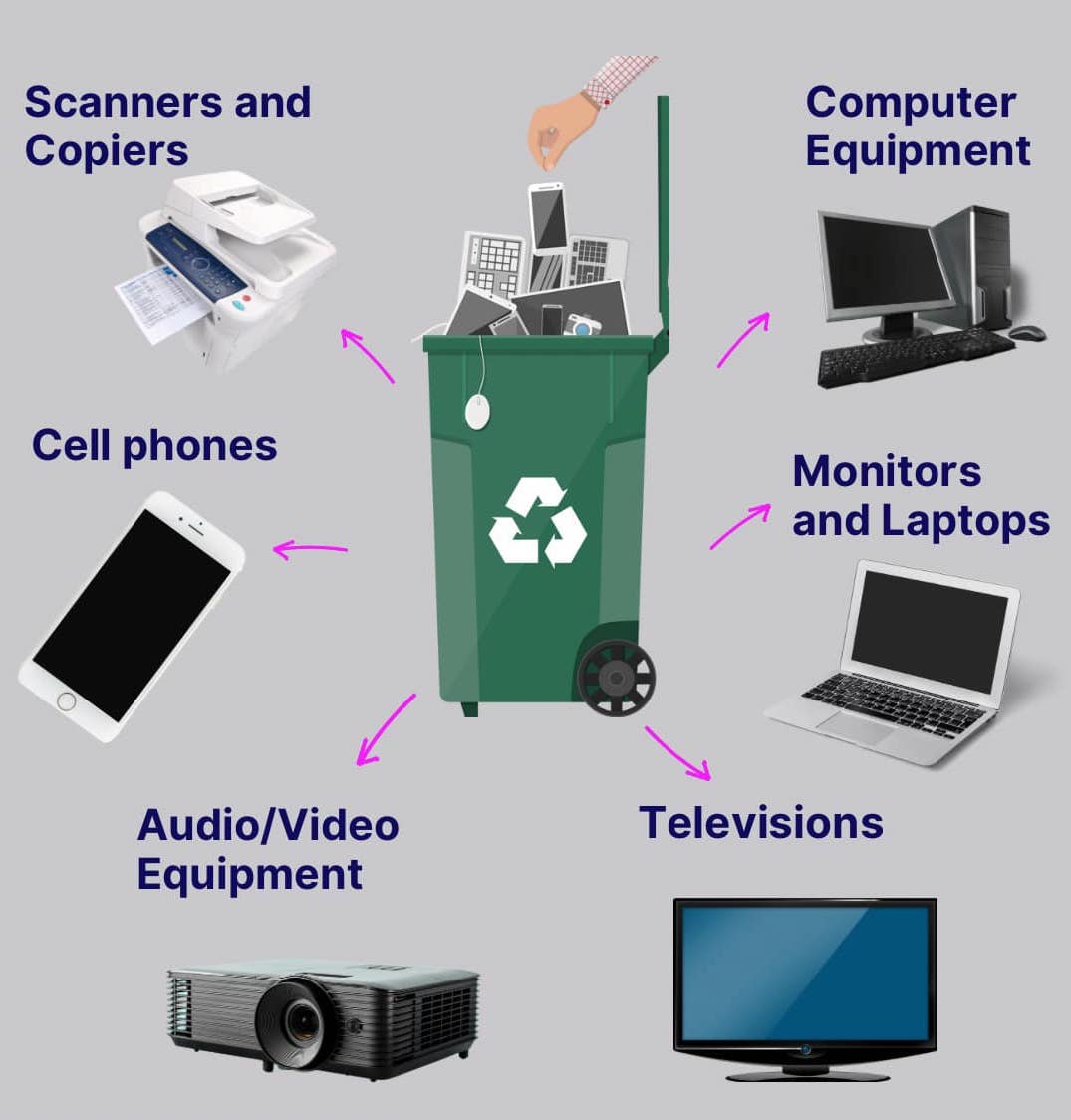
South Group does not only deal with computers. Based on the current article, the facilities are equipped to handle a wide range of devices, including:
- Computers
- Monitors
- Laptops
- TVs
- Audio and video equipment
- Cell phones
- Scanners and copiers
That broader scope matters in the real world because old computers rarely appear alone. They usually come with screens, chargers, printers, peripherals, docking equipment, and communication devices. Using one recycling partner for mixed electronics is simply easier.
Convenient collection services for bulk disposals
The original article also made an important point about logistics. Large institutions often need collection services because transporting a significant amount of outdated equipment is inconvenient and time-consuming. South Group offers specialised collection support for bulk disposals, helping organisations move material from their premises into a proper recycling stream.
If your organisation is planning a large clear-out, a few simple steps will make the process smoother:
- Separate equipment that is still in use from equipment that is definitely obsolete.
- Identify data-bearing devices early.
- Back up or retain any records you still need.
- Group similar items together for easier counting and collection.
- Set a collection date before the equipment starts spreading through offices or storerooms.
How to prepare a computer before disposal
Good disposal starts before the machine leaves your desk. If you skip the prep step, you increase the chance of losing important files or exposing sensitive information.
A practical checklist looks like this:
- Back up important files. Save documents, photos, email archives, and any licensed software records you still need.
- Sign out and wipe the device. Remove personal or business information before the computer changes hands.
- Check whether the device is reusable. A functional machine might be suitable for donation or internal redeployment.
- Collect accessories. Power supplies, keyboards, mice, and monitors often need disposal at the same time.
- Use a proper recycler for the rest. This is the step that turns a messy clear-out into responsible disposal.
For many people, this is the part they delay. The device goes into a cupboard because the data question feels complicated. In practice, even a basic checklist solves most of the problem.
Why improper disposal is a bad idea
Throwing computers out with general rubbish may seem convenient, but it creates avoidable problems. The current article already highlights the environmental concern clearly: hazardous substances can pollute air, soil, and water when electronics are handled badly.
There is also a resource problem. If a computer ends up in landfill, the metals and other reusable materials inside it are lost instead of being recovered. South Group Recycling explores that issue further in its article on unveiling hidden value in old electronics, which explains why end-of-life electronics should be viewed as a source of recoverable value rather than just rubbish.
For businesses, poor disposal can also leave equipment sitting around for too long. That often means wasted storage space, weak asset control, and a higher chance that old devices will be moved, forgotten, or mishandled.
Responsible disposal supports a circular economy
The final section of the original article made a strong point that should stay in place: responsible disposal does more than reduce landfill waste. It supports a circular economy by returning useful materials to manufacturing streams.
That is one of the least visible but most important benefits of ewaste recycling. Most people see a dead laptop and think only about getting rid of it. A recycler sees processed material, recoverable metals, and an opportunity to reduce waste at the same time.
For households, that means one less unused device gathering dust. For institutions, it means a cleaner, more organised way to manage technology lifecycles. For the wider environment, it means fewer valuable materials going to waste.
Summary
If you need to dispose of old computers, the safest approach is to avoid general waste, protect your data first, and use a recycler that handles electronics responsibly. Working devices may be reused or donated, but obsolete or broken units should go into a proper recycling stream. South Group Recycling offers individuals and institutions a practical solution through facilities in Johannesburg, Cape Town, Durban, and Pretoria, and it can also support bulk collections for larger organisations. In short, the best place to dispose of an old computer is not the bin – it is a responsible recycling channel that protects data, recovers materials, and keeps harmful components out of the environment.